Derp: export your DaVinci Resolve project to Premiere Pro
Whole DaVinci Resolve project → Premiere Pro. One click.
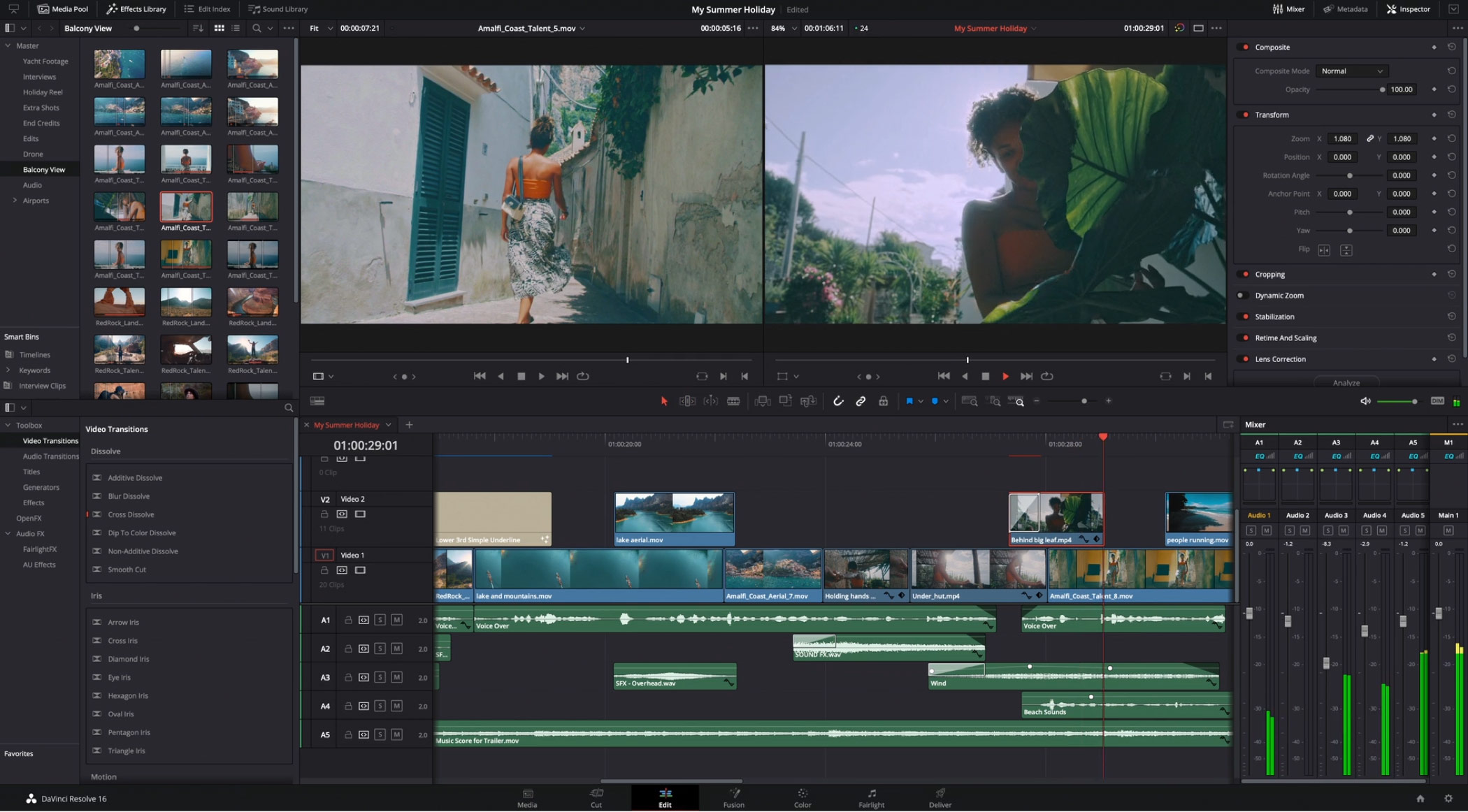
Derp is a script for DaVinci Resolve. Run it once and it writes your whole project, every bin, clip and timeline, into a single XML that Premiere Pro opens cleanly.
Clip_01.mp4
Clip_01.mp4
Clip_01.mp4
Resolve exports sequences one at a time, with each import duplicating media in Premiere.
Resolve exports XML one timeline at a time, and every one you import into Premiere brings its own copy of every clip. Three timelines in, you’re cleaning up three of everything.

 Clip_01.mp4Clip_01.mp4Clip_01.mp4Clip_01.mp4Clip_01.mp4Clip_01.mp4Clip_01.mp4Clip_01.mp4Clip_01.mp4Clip_01.mp4Clip_01.mp4Clip_01.mp4Clip_01.mp4Clip_01.mp4Clip_01.mp4Clip_01.mp4
One-click export.
Every timeline, every bin, one XML.
Pick where to save and press Export. Derp walks the whole media pool, exports every timeline and merges it all into one FCP7 XML, resolving every clip so it lands exactly once. It runs inside Resolve, in both the free and Studio versions.

Save to
Include
Adjustment clips
Premiere can’t receive these as adjustment layers. They arrive as one offline placeholder clip to swap for an adjustment layer. Name it and pick its bin, e.g. Footage/Assets.
When done
Export log

Same bins.
Same structure.
No duplicate imports.
Premiere gets the same folder structure you built in Resolve, empty bins included. Every media file arrives once, used or not, and every timeline lands as a sequence in its matching folder.

- Master
- Edits
- Trailer
- Episodes
- Social Cuts
- Footage
- Amalfi Coast
- Drone
- Interviews
- Red Rock
- Balcony View
- Audio
- Music
- SFX
- Voice Over
- Titles
- Extras

- Master
- Edits
- Trailer
- Episodes
- Social Cuts
- Footage
- Amalfi Coast
- Drone
- Interviews
- Red Rock
- Balcony View
- Audio
- Music
- SFX
- Voice Over
- Titles
- Extras
The little details
come along too.
Timeline markers, clip colors as label colors, Description and Take, flags as Log Notes, in/out marks, and compound clips as nested sequences. Resolve-only work (grades, Fusion comps, effects, titles) stays in Resolve.
Buy it for your
messiest project.
Buy it now, or try it free on aescripts first.
Derp for DaVinci Resolve
Taxes calculated at checkout
By buying you agree to the Terms and Refund Policy.
Derp for DaVinci Resolve · $19.99
Secure checkout · taxes added for your country
Preview — checkout not live yet
Notes
What problem does Derp solve?
Resolve exports XML one timeline at a time, and every XML you import into Premiere brings its own copy of every clip, so the project fills with duplicates. Derp writes the whole project as one XML with each clip once.
How do I move a DaVinci Resolve project to Premiere Pro?
Run Derp from Workspace > Scripts in Resolve, save the XML, and import it into a new Premiere project.
Can I export the whole project, not just one timeline?
Yes: every timeline becomes a sequence, every bin a bin, unused media included.
Do bins, markers and compound clips come across?
Bins, timeline markers, clip colors (as labels), Description/Take, in/out marks, and compound clips as nested sequences. Grades, Fusion titles and effects don’t; adjustment clips arrive as one offline placeholder.
Do I need DaVinci Resolve?
Yes, Derp is a Resolve script for the free and Studio versions. You'll also need Premiere Pro to open the XML.
How do I export from Resolve to Premiere?
In Resolve, open a timeline and use File > Export > Timeline, choosing the FCP 7 XML format, then import that file in Premiere Pro. That gives one XML per timeline; Derp exports every timeline, bin and clip into one FCP7 XML in a single run.
Does Derp work with the free version of DaVinci Resolve?
Yes. Derp is a Resolve script and runs from Workspace > Scripts in both the free version and Studio.
Can I convert a .drp file to Premiere Pro?
Not directly. Import the .drp into DaVinci Resolve, open the project, then run Derp from Workspace > Scripts to write the FCP7 XML for Premiere Pro. Derp runs inside Resolve, so it needs Resolve.
What doesn’t transfer from Resolve to Premiere?
Color grades, Fusion work and most effects stay in Resolve, and adjustment clips arrive as one offline placeholder clip. Check speed ramps and transitions after import.
Do I need to relink media in Premiere?
The XML points at the same file paths Resolve uses, so on the same computer and drives Premiere should find your clips. On another computer, or if media has moved, relink in Premiere as usual.
How does the free trial work?
Download the trial from aescripts. It exports your whole media pool and three timelines, with every option, so you can check the result on a real project before you buy.
Specs
- Runs in DaVinci Resolve, free and Studio
- Works on macOS, Windows or Linux
- Exports one FCP7 XML of your entire DaVinci Resolve project for Premiere Pro.
- Runs inside Resolve. Your project never leaves your machine.
- Moves the edit, not the look: grades, Fusion comps, effects and titles stay in Resolve.